Robinhood Agents: Setup, Costs and Trade Approvals
Robinhood's in-app AI can research stocks and prepare trades. What it does, what it costs, and how to try it without risking money.
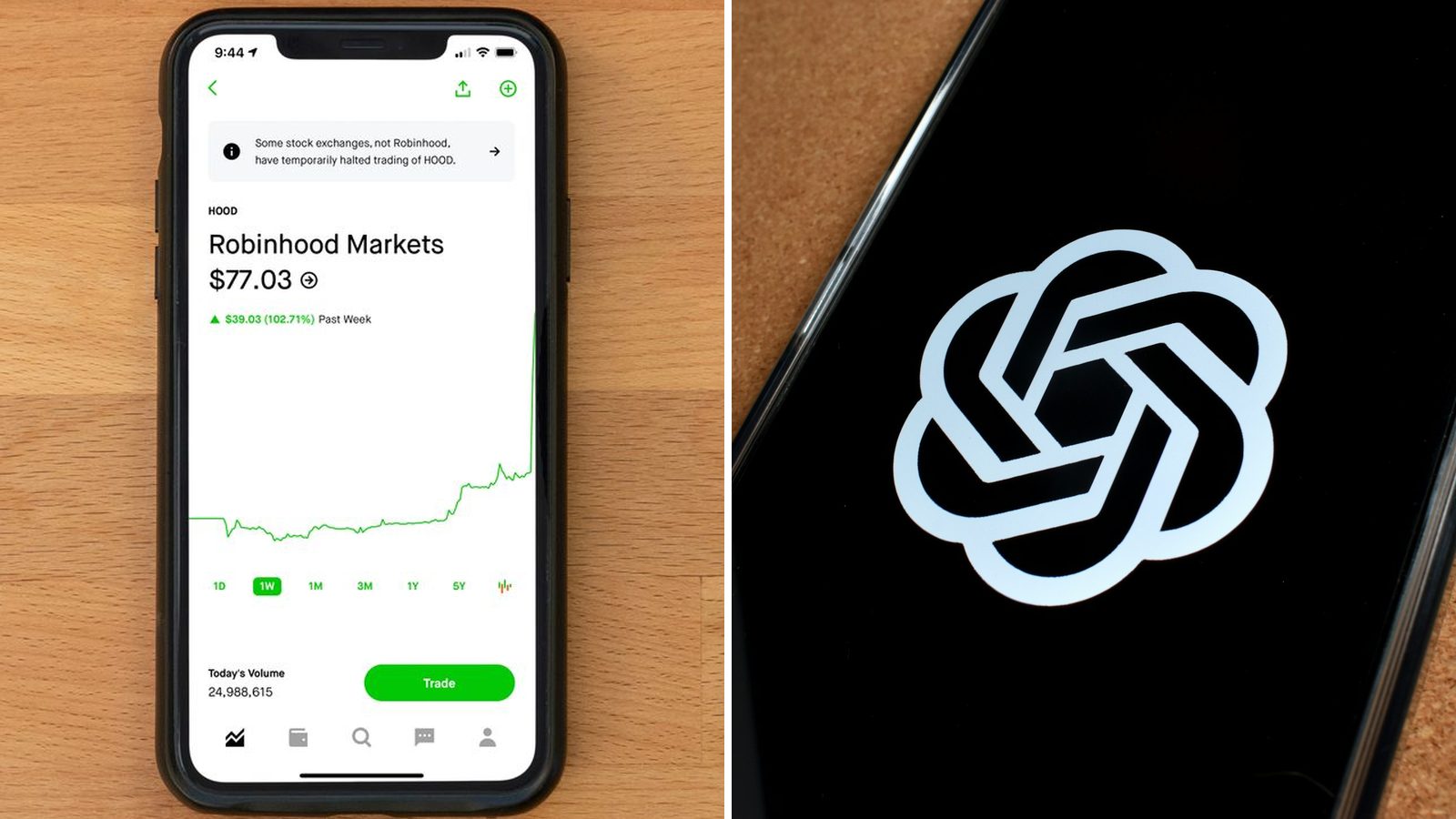
Robinhood announced a built-in AI trading assistant on September 29, 2026. Its help pages explain how the product works, although access may still be rolling out to eligible customers.
The basic idea is simple: Robinhood Agents is a chatbot connected to Robinhood’s research and trading tools. You ask a question in ordinary language. The agent gathers information, explains what it found and may prepare an order. If you allow automatic execution, it can place certain trades too.
It is not a machine that knows which stocks will rise. It is a faster way to collect information and turn instructions into actions—sometimes real-money actions.
A sensible first setup: leave the account unfunded, keep Trade Approvals on and use the agent for research before risking money.
Built-in agent or outside agent?
Robinhood offers two related products:
| Product | Where it runs | Best fit |
|---|---|---|
| Robinhood Agents | Inside the Robinhood mobile app | People who want the simplest setup |
| External Agentic Trading | Claude, ChatGPT, Codex, Cursor, Grok and other MCP-compatible platforms | Technical users who want more control |
The external connection launched in May 2026. Robinhood announced the simpler built-in experience in September. The company said more than 150,000 Agentic accounts had been opened by then. Robinhood’s HOOD Summit announcement
This guide is about the built-in mobile agent.
Where do you find it?
When it is available to your account, open the Robinhood mobile app and look for Agents near the top of the screen. The full setup and chat experience is mobile-only. It is not built into Robinhood Legend, and web use may be limited.
If the Agents tab is missing, update the app and make sure your primary individual investing account is active. If it still does not appear, the rollout may not have reached your account.
How setup works
Robinhood’s documented setup is:
- Open Agents in the mobile app.
- Name the agent. That name also becomes the nickname of its account.
- Review the Agentic account agreements.
- Choose cash or limited margin.
- Review Trade Approvals, which are on by default.
- Choose the AI model.
- Fund the account now or skip that step.
You can chat with an unfunded agent. Once setup is complete, open its account and tap Ask [agent name]. Robinhood’s setup instructions
One detail is easy to miss: the optional limited-margin agreement is selected by default. Limited margin lets the account reuse sale proceeds before the transaction has fully settled. If you don't want it, uncheck it during setup.
From a question to a proposed trade
With Trade Approvals on, an illustrative flow looks like this:
Your question → the agent chooses tools → Robinhood returns data → the agent analyzes it → you see an explanation or proposed order → you approve or reject it
For example:
Find a profitable technology company with positive momentum. Do not use options, and do not place a trade.
The agent might look at prices, technical indicators, earnings, financial statements, analyst ratings, news and SEC filings. It can show charts, tables, watchlists, screening results and an order ticket.
That does not prove it found a good investment. It only means the company matched the information and rules the agent considered.
Orders appear in the Agentic account’s Activity section and Robinhood history. Robinhood’s trading guide
Trade Approvals matter more than the model
| Setting | What happens | Beginner choice |
|---|---|---|
| Approvals on | The agent can prepare a trade, but you review and submit it | Recommended |
| Approvals off | The agent may place eligible trades without asking each time | Avoid initially |
| Account unfunded | The agent can research but has no money to trade | Best learning mode |
| Background automation | Recurring instructions may run while you are away | Wait until thoroughly tested |
Trade Approvals default to on for the built-in agent. Certain trades may still need approval even if you turn the setting off, and in California and Connecticut approvals must stay on for crypto trades.
The Agentic account uses real money. It is not a paper-trading simulator.
Notifications and background activity
Robinhood’s May announcement for its earlier external-agent product promised push notifications when an agent makes a trade, plus an activity feed and profit-and-loss information. That announcement does not confirm every built-in alert, such as a proposal, submission, fill or failed order.
Treat notifications as a convenience, not a safety control. Check the account and order history when money is at risk. Robinhood’s May announcement
Robinhood has also announced recurring background instructions called Loops. A Loop is intended to monitor conditions while the app is closed. As of September 30, Robinhood still describes Loops as coming soon, so do not assume every user has them.
Stopping a Loop would prevent new instructions; it would not automatically cancel existing orders or close positions.
What can it trade?
Robinhood currently documents agent trading for:
- Long stocks and exchange-traded funds (ETFs): buy and sell shares you own, no short selling
- Options, subject to approval and eligibility
- Supported cryptocurrencies
Supported order types include share- and dollar-based market orders, limit orders, stop-market orders, stop-limit orders and some advanced orders.
Agentic crypto trading is unavailable in some states, including New York. Robinhood has discussed expanding agent access, but futures and prediction-market execution should not be described as currently supported until live documentation confirms it.
What does it cost?
Opening the Agentic account does not appear to require a separate membership fee. Using the built-in chat is not simply free, however.
Chat uses tokens, small units of text processed by the AI, paid from a prepaid balance. Robinhood currently provides a $5 starting credit. Later costs depend on the model and usage. Token purchases and optional automatic top-ups draw from the primary individual investing account. Robinhood’s token billing guide
Robinhood is covering GPT-6 Luna token costs through December 31, 2026, subject to the promotion’s terms. That does not cover trading costs, regulatory fees, taxes or optional data subscriptions. GPT-6 Luna promotion
Optional Agent Apps add specialized third-party data. Most charge monthly fees and offer trials that renew unless canceled. Robinhood Agent Apps
What information can it see?
The agent can place trades only inside its dedicated Agentic account. It may read information from other Robinhood accounts, including positions, balances and transaction history.
Relevant prompts, account information and tool results are processed by the selected model provider. Robinhood’s Agents Agreement says its provider contract prohibits using that data to train the provider’s models. Robinhood retains records of agent interactions and activity. Robinhood Agents Agreement
So the boundary is:
- Trading access is isolated. The agent cannot trade in your other Robinhood accounts.
- Information access is broader. It may use those accounts when analyzing your finances.
Robinhood says it does not build, own or train the underlying third-party AI model, and does not supervise or audit the agent’s answers.
Where it helps—and where it can go wrong
Where it helps
- It turns a complicated research process into a conversation.
- The separate account limits where it can trade.
- Manual approval gives you a final checkpoint.
- It can combine market data, filings, earnings and charts quickly.
- Clear rules may reduce impulsive decisions.
Where it can go wrong
- A confident explanation can still be false.
- Vague instructions can produce the wrong action.
- Manual approval can be turned off.
- Frequent trading can add costs, taxes and poor execution.
- Options and crypto can lose value quickly.
- A separate account limits the amount exposed; it does not make the strategy safe.
Robinhood’s disclosure says the customer is responsible for the agent’s actions and may lose the entire investment in the account.
Independent research has not established that general-purpose AI agents consistently outperform markets. A 2026 preprint found that only one of 19 studies in its main sample reported an explicit transaction-cost model, making performance comparisons difficult. The paper did not evaluate Robinhood’s built-in agent. Review of trading-agent research
FINRA separately warns about auto-trading services offered by unregistered entities, including exaggerated AI claims and potentially unsuitable trades. That warning is general investor guidance, not a finding against Robinhood. FINRA’s warning
How I would start
Ask the agent to explain an investment and show its sources. Keep Trade Approvals on, verify important claims in original documents, and learn how order types work before funding the account.
If you later test it with real money, use an amount you can afford to lose. Before approving an order, check the ticker, buy or sell direction, quantity, order type and price.
The most useful beginner role for the agent is helping organize information and ask better questions. It should not replace judgment.
FAQ
Is Robinhood Agents inside the Robinhood app?
Yes. The built-in experience is in the mobile app under Agents. It is separate from Robinhood Legend and the external MCP connection used with third-party AI tools.
Can I use it without letting it trade?
Yes. Leave the account unfunded and use the agent for research, or keep Trade Approvals on so an order requires your review.
Does it guarantee profitable trades?
No. It can misunderstand instructions, use incomplete information or make a poor judgment. Robinhood does not guarantee its output.
Is it free?
Opening the account does not appear to add a membership fee. Chat uses prepaid tokens, although Robinhood provides starting credit and is covering GPT-6 Luna token costs through December 31, 2026 under its promotion.
Can it trade in my regular Robinhood account?
No. It trades only in the dedicated Agentic account, although it may read information from other Robinhood accounts.
Can it trade while the app is closed?
Robinhood has announced background Loops, but as of September 30, 2026 they are still described as coming soon. An ordinary chat request does not become permanent monitoring by itself.
Primary sources and further reading
- Robinhood: Built-in agents overview
- Robinhood: Setting up an agent
- Robinhood: Trading with your agent
- Robinhood: Token usage billing
- Robinhood: HOOD Summit 2026
- Robinhood: Open to Agents announcement
- Robinhood: Using GPT-6 Luna
- Robinhood: Agent Apps
- Robinhood: Agents Agreement
- U.S. House members’ letter seeking regulatory clarity
- FINRA: Risks of auto-trading services
- Survey of LLM trading-agent research
Finance Greater is not a broker or investment adviser. This article is educational and is not a recommendation to buy, sell or hold any investment.